"The illiterate of the future will be the person ignorant of the use of the camera as well as of the pen." -Laszlo Moholy-Nagy, 1936


Find contents of this blog here


us online casinos - US Online casinos top ratings and reviews.

Thursday, May 15, 2008

The Decisive Moment & Playing Golf

"Beruntung" ("Lucky") by Solahuddin of Jawa Pos

A person has asked, and probably many have, about how can you capture that decisive moment. Is it just a matter of luck? Or is it a skill that you can develop?

Although not all Henri Cartier-Bresson's photos capture that decisive moment, many do. Is it because of his long time experience? Or is he just a lucky guy?

Here's a short caption from Henri Cartier-Bresson’s book “The Decisive Moment” (1952). The decisive moment suggests a sense of perfect shutter timing to freeze action at its balanced composition. He wrote:
“To me, photography is the simultaneous recognition, in a fraction of a second, of the significance of an event as well as of a precise organization of forms which give that event its proper expression… Inside movement, there is one moment at which the elements in motion are in balance. Photography must seize upon this moment and hold immobile the equilibrium of it.”
For Cartier-Bresson, a photograph must not only freeze an instant of time, but it must also capture that instant within a well designed composition (Kobre, Kenneth. 2004. Photojournalism: The Professionals’ Approach. 5th ed. Oxford: Focal Press, p. 19.)

I see photographers getting that perfect decisive moment image as in sports. Golfers for example. There are lots of factors in getting that small ball into a small hole hundreds of yards away. There might be a "luck" factor in it, but I think mostly there are the experience and instuition factors. The experienced golfer has the feeling and intuition in how hard to hit the ball, which angle or direction to hit it against the wind, etc., etc. I'm not a golfer, but I think capturing that perfect and memorable decisive moment image is like getting a hole-in-one. Amateurs get lucky sometimes, but the maestros get "lucky" many times. So, actually it's not about being lucky but about practicing with effort in developing your intuition or instincts to be sharpened over time, having all your senses be open to your surroundings, and knowing what you want or what your goals are. There is just no shortcut for it, in sports or in photography, but through full-hearted practice, and time.

Wednesday, May 14, 2008

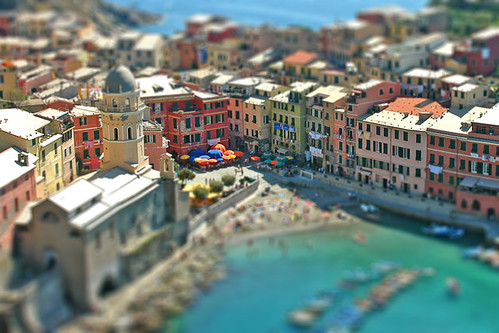
Is It a Miniature Model or the Real Thing? Introducing the "Fake Tilt-Shift" Effect

Got this from Chuck Green's ideabook...
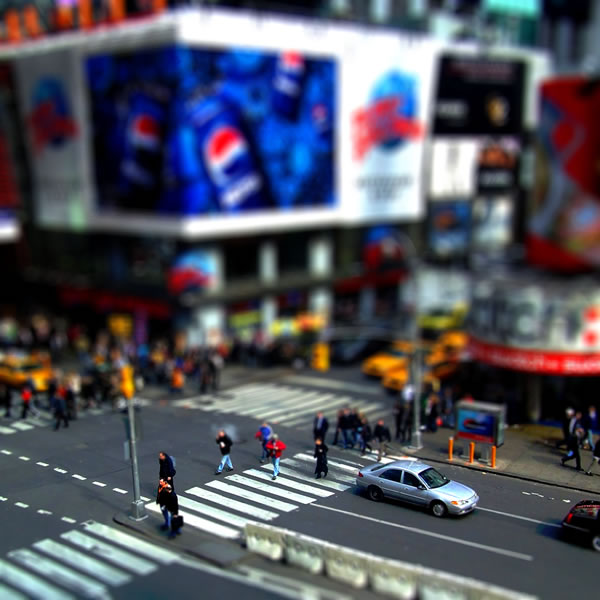
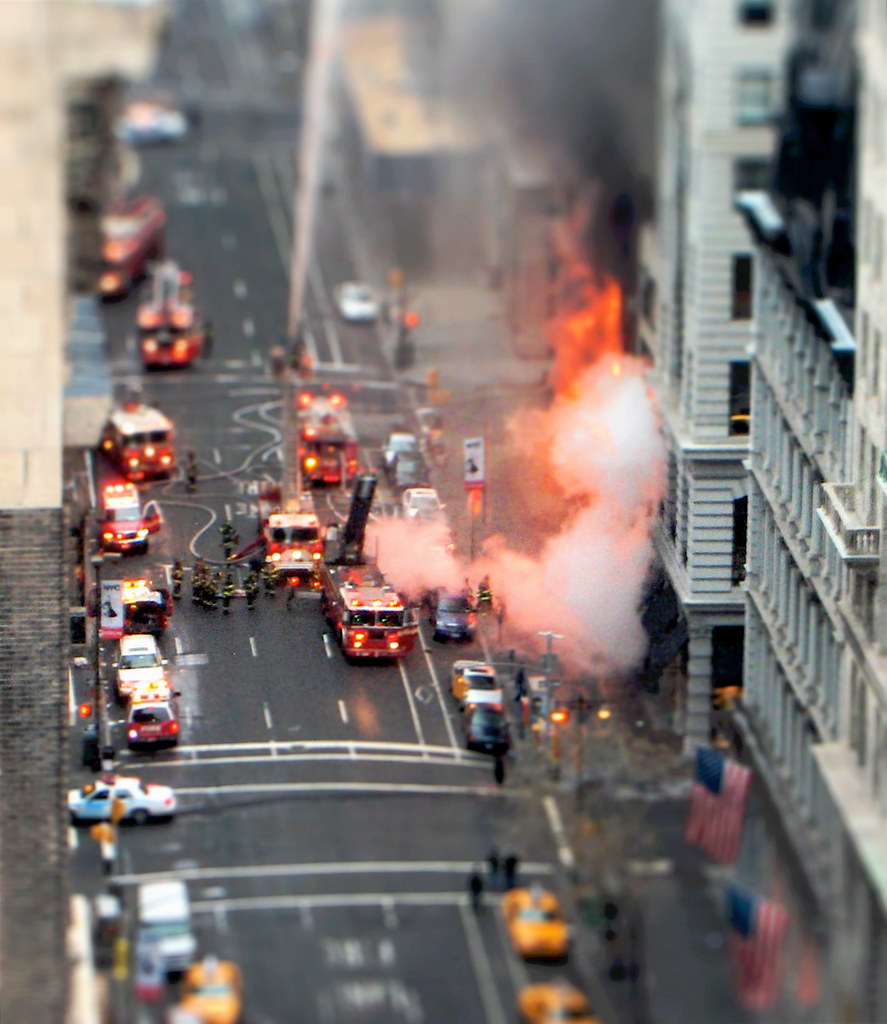
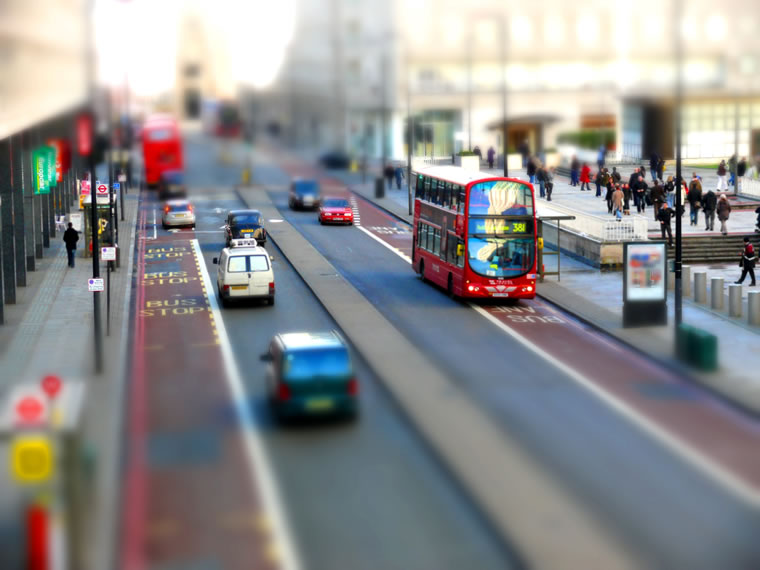
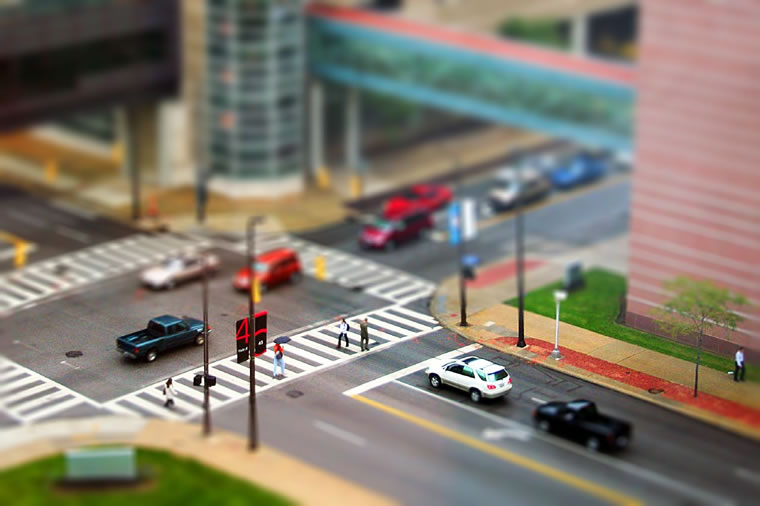
The next time you see a photograph of a tiny little, toy-like model of a "real" scene, look again. It may not be a model at all, it may be the real thing edited using the "fake tilt-shift" effect in Photoshop ("real" tilt-shift is accomplished using a camera lens by the same name). The effect is achieved by changing the depth of field (among other things).


Here are some links to tutorials:
tiltshiftphotography.net
recedinghairline.co.uk/tutorials/fakemodel/
Creating Fake Miniatures
Create a Faux Tilt Shift Effect in Adobe Photoshop Tutorial

Photo Journal/Exercise 7: OCCUPATION - Perspectives/Points of View

Do a "short" documentary photography on a person with or at his/her job. Your pictures should reflect your perspective/point of view about your subject and/or his/her occupation.

This can be done individually or with a group of maximum 5 people per subject/occupation, with minimum of 50 shots/person.
Each person then makes a photo essay of 5 selected photos that can summarize the subject and the occupation and 3 written paragraphs about him/her and his/her occupation.
Give a main title for your documentary essay and titles for each of the five photos.

Only minor adjustments allowed, such as cropping, color adjustments, contrast adjustments, & sharpness.

Some tips for this assignment:
- show interest in the subject and the occupation, get to know the person and his/her part of life, troubles, likes/dislikes, etc. before the actual shooting session
- shoot portraits (portraitures)
- shoot candid portraits
- shoot sequences while the subject is doing the job (if fast, use continuous shooting)
- shoot extreme close-ups and close-ups to get his/her character, medium shots for the relationship of the subject to his/her job and surrounding, and long shots to capture the overall job environment

Tuesday, May 6, 2008

Dynamic Photo HDR

Another great HDR software you should try is the Dynamic Photo HDR by Media Chance.
It features cool capabilities such as manual alignment and anti ghosting masking. It also has great settings/methods for tone mapping among others.
Watch this short video about the more advanced Dynamic Photo HDR features in their latest version (v.3) which includes Light Tuner, B/W Mixer, Color-Correction, Match Color, Batch Processing and more:

Friday, May 2, 2008

PROJECT 2 (DI): SUPER WORLD RECORD OF...

This idea was inspired & taken from the book Visual Literacy: A Conceptual Approach to Graphic Problem Solvingby Judith & Richard Wilde, a great book by the way on the subject. But I've improvised it here into a photographic digital imaging assignment.

The challenge is to illustrate, through PHOTOGRAPHIC DIGITAL IMAGING, a world record of any fact, statistic, deed, or achievement, in any field or subject area.
Consider the natural world, outer space, bizarre and outrageous stunts, challenging exploits, great sports accomplishments, or occurences that are ridiculous, provocative, or shocking.

Tuesday, April 22, 2008

"Multi-Expose" by XP2007

"Seven Kinds" by xp07 Kevin Winaldy (04)

"Evalagus" by xp07 Yohan Ariel (04)

Untitled by xp07 Heru Wibowo (04)

"Makan Besar" / "Big Meal" by xp07 Vicky Tanzil (04)

Cartoons Untooned

I got this from trendhunter recently..


Human cartoons are realistic interpretations of famous cartoon characters. In this case, we have Homer Simpson, Mario, and Jessica Rabbit in the flesh.

The artist, who goes under the name Pixeloo, writes on his website, “There isn’t really a strong reason I’m keeping this anonymous, I just kinda decided before I started that that’s how I wanted to do things. I work with Photoshop almost daily in my profession. I don’t feel like I get to have much fun with it lately though and this is my outlet.”

The artist used various textures of human skin and pieces of various faces to compose the image. The result is frightening impressive. Take a look at the making process of Jessica Rabbit below.


Thursday, April 17, 2008

How Will You Look in Four Years (When You're President)


I got this interesting "exercise" from popphoto.com where each candidate took about four hours of retouching. To mimic the ravages of time, they did the following:
- Used the Burn and Dodge tools to deepen wrinkles and paint in age spots.
- Cloned the eyebrows and moved them lower.
- Used the Liquify filter to hollow out cheeks, make jowls, thin out lips, and enlarge ears and noses.
- For Clinton and Obama, brought in forehead wrinkles from separate photos and used the Match Color tool to blend them in.
- For Obama, painted in gray hair on top of his current hair; for Clinton, desaturated with the Sponge tool to make her grayer.

Then another usage of these public figures' faces with digital imaging I found in this really smart ad, coming out on perfect timing, utilizing the moment.


This reminded me of another DI exercise of blending faces to create virtual models or faces or beings, which creates something that also has surreal qualities to it. One of the samples of this process can be seen with the works of LA photographer Caesar Lima seen below. You should check out his blog, too, which shows lots of ads utilizing the powers of photography & digital imaging.

Photography: Caesar Lima, Digital Imaging: Felipe Silva, Client: Sebastian International, Durso Design

Monday, April 14, 2008

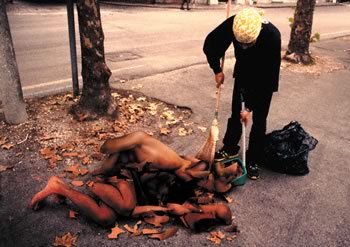
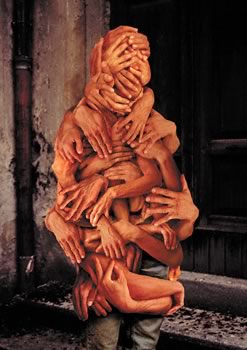
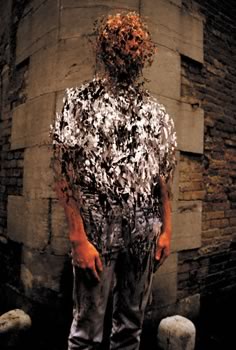
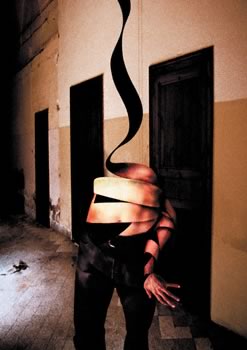
Works of Tetsuya Tamano

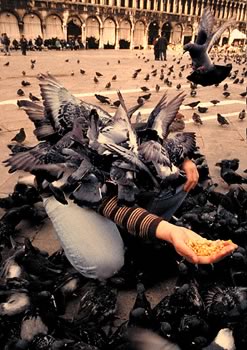
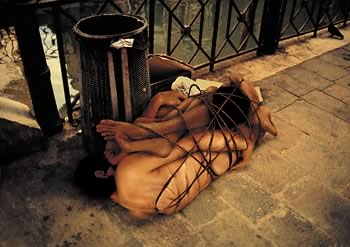
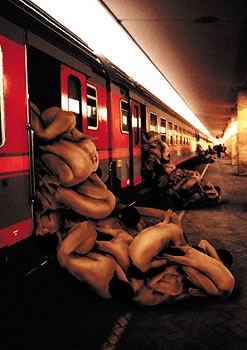
Here are some samples of the work of Tetsuya Tamano.
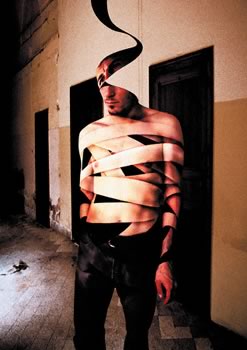
Tamano Tetsuya developed this body of work during his residency at Fábrica, Benetton’s communication research and development centre. When asked to develop a visual project to depict his view of contemporary society, Tetsuya came up with these strong and often disturbing images; he worked using digital technology, so as to better express his world views, and in keeping with Fábrica’s philosophy, in its role as an applied creativity laboratory (its name comes from the Latin word meaning workshop), of experimenting with new forms of communication.


Wednesday, April 9, 2008

PROJECT 1 (DI): SURREALISM


The first Digital Imaging Project is to create a surrealist image that has to do with the human condition. It's HUMANITY as the big theme and it must contain elements of a human being and his/her surrounding, environment, nature, civilization, social/cultural condition. Find ideas from your dreams, fantasy, songs, poetry, literature, art. A good surreal-photographic image should give one or more of these feelings:
- dreamlike (melancholic, horror,...)
- illogical (proportions, placement,...)
- unexpected (juxtapositions, combinations,...)
- absurdity
- element of surprise
- liberate imagination
At the top of this post are a couple of books for reference.
Other references you could find with the works of Salvador Dali (paintings), Rene Magritte (paintings), Alessandro Bavari, Maggie Taylor, and Domen Lombergar among others.

To see how DI has helped many ads visualize what they really want to communicate photographically, surf on to:
- Top 50 Shockvertisements - Controversial Ads (SUPER GALLERY)
- The Arab Aquarius blog